
Eight parts of the chama.
One connected view.
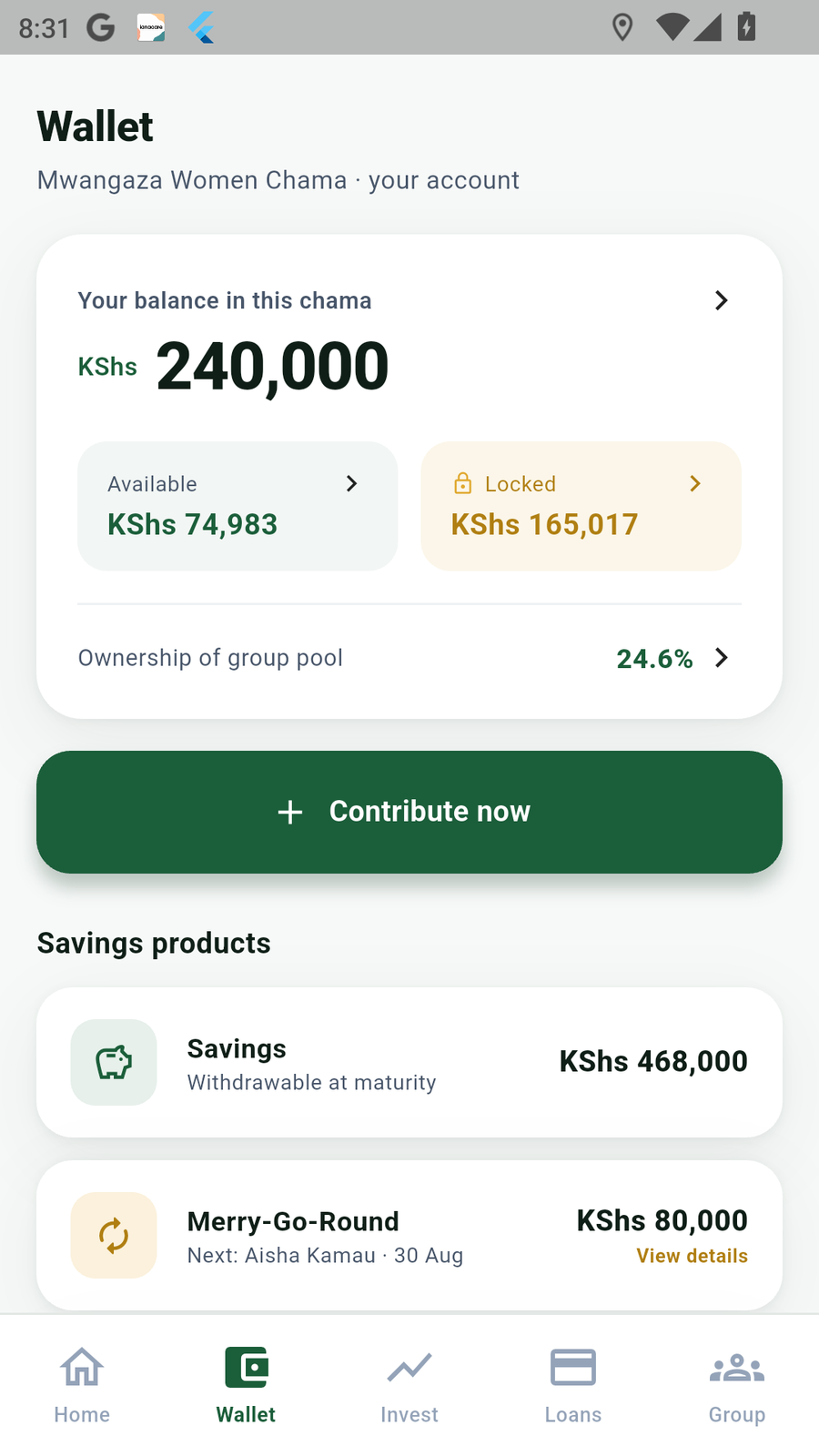
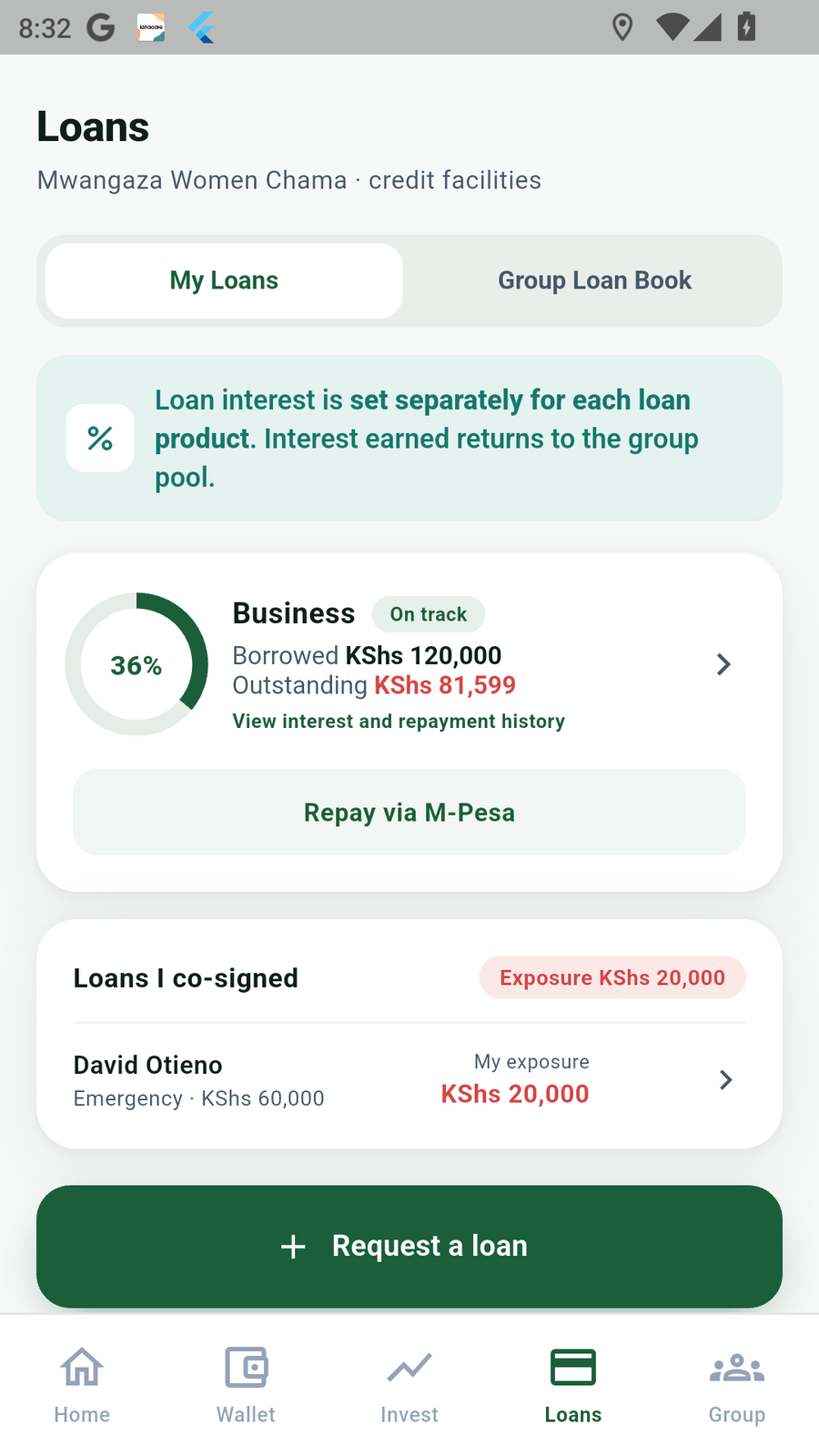
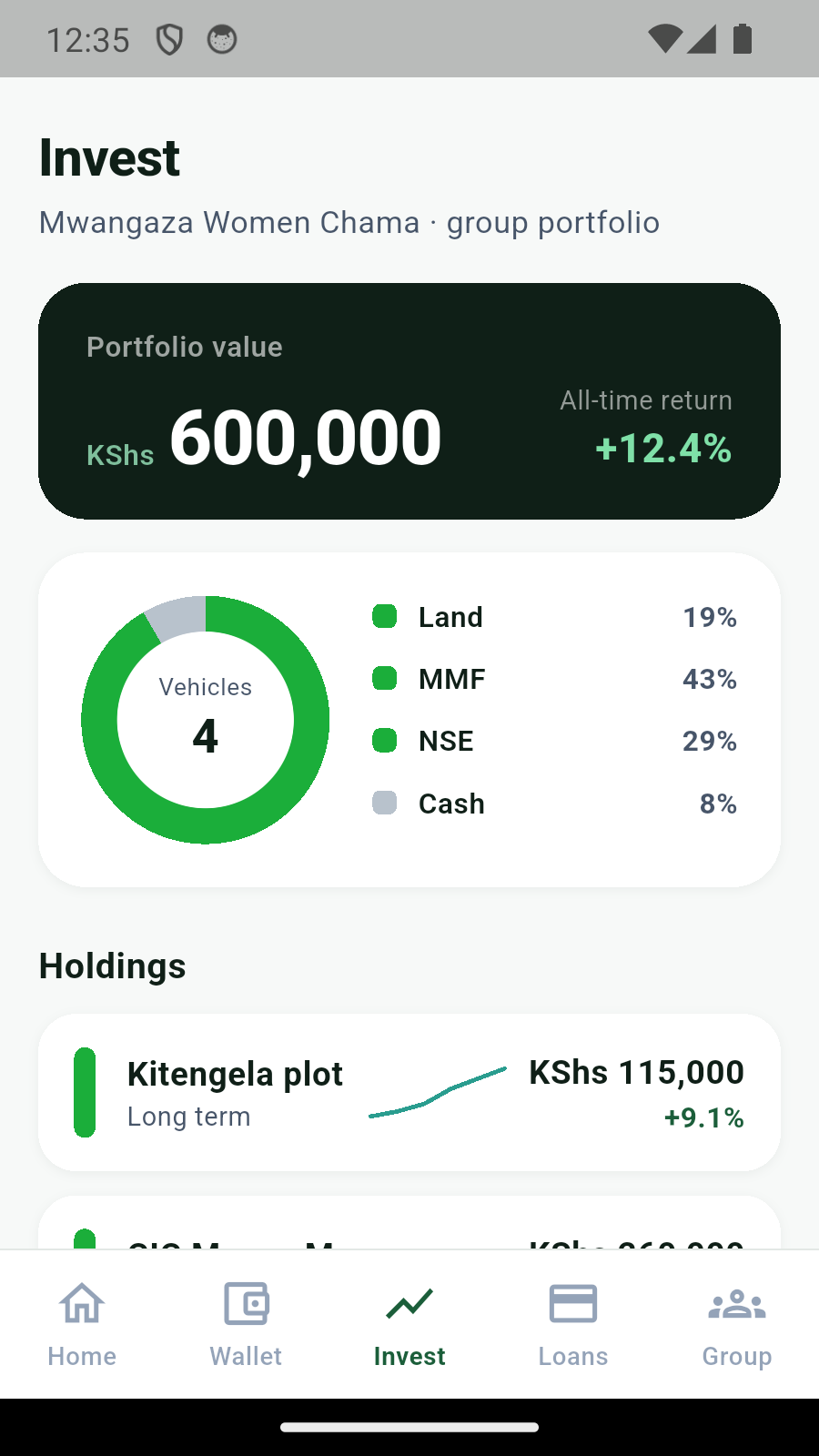
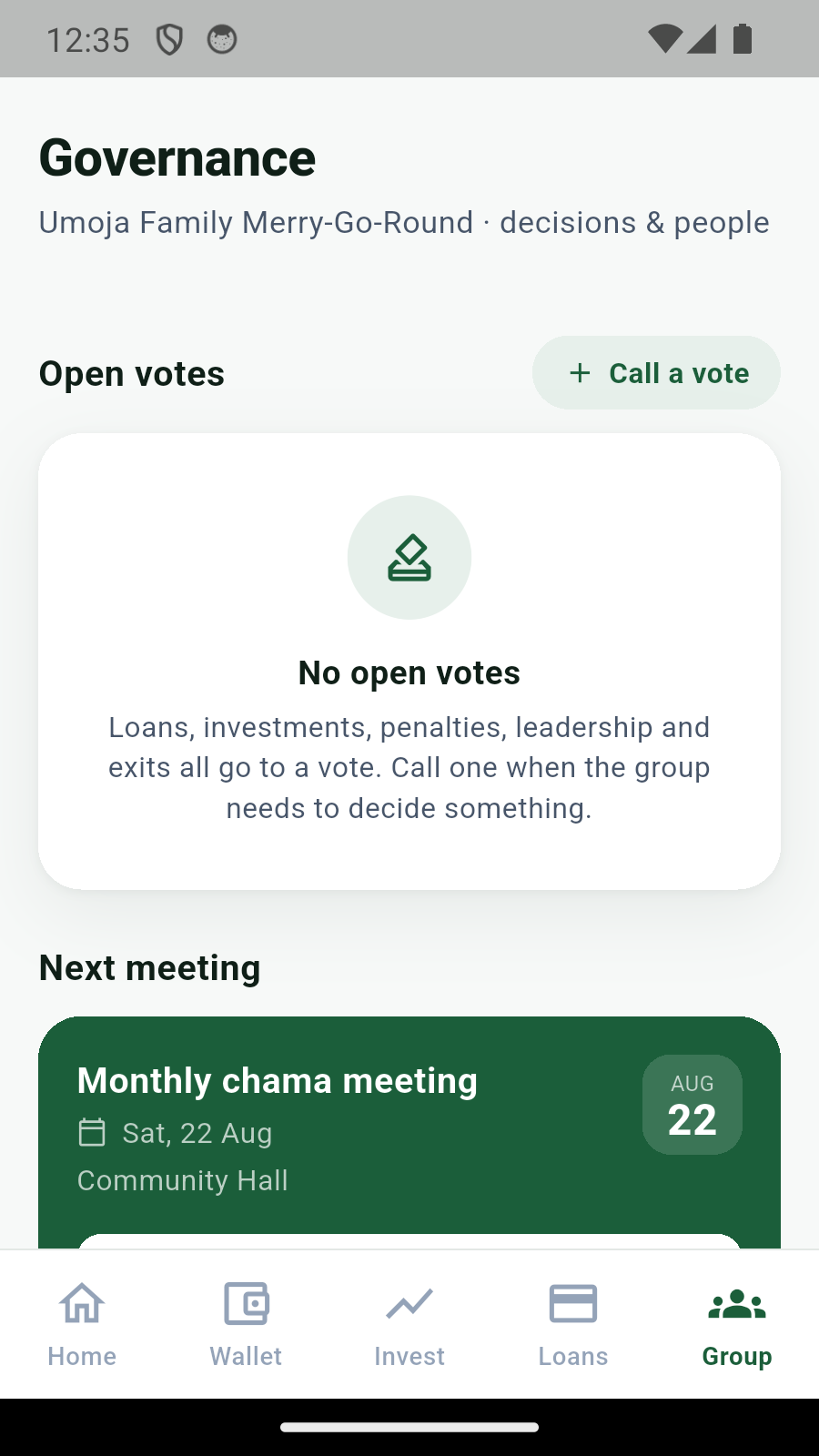
Manage every chama you belong to, see your combined position, and find chamas to join. Contributions, loans, investments, meetings and votes stay organized within each group.


The iOS download will be available after Apple approves the app.
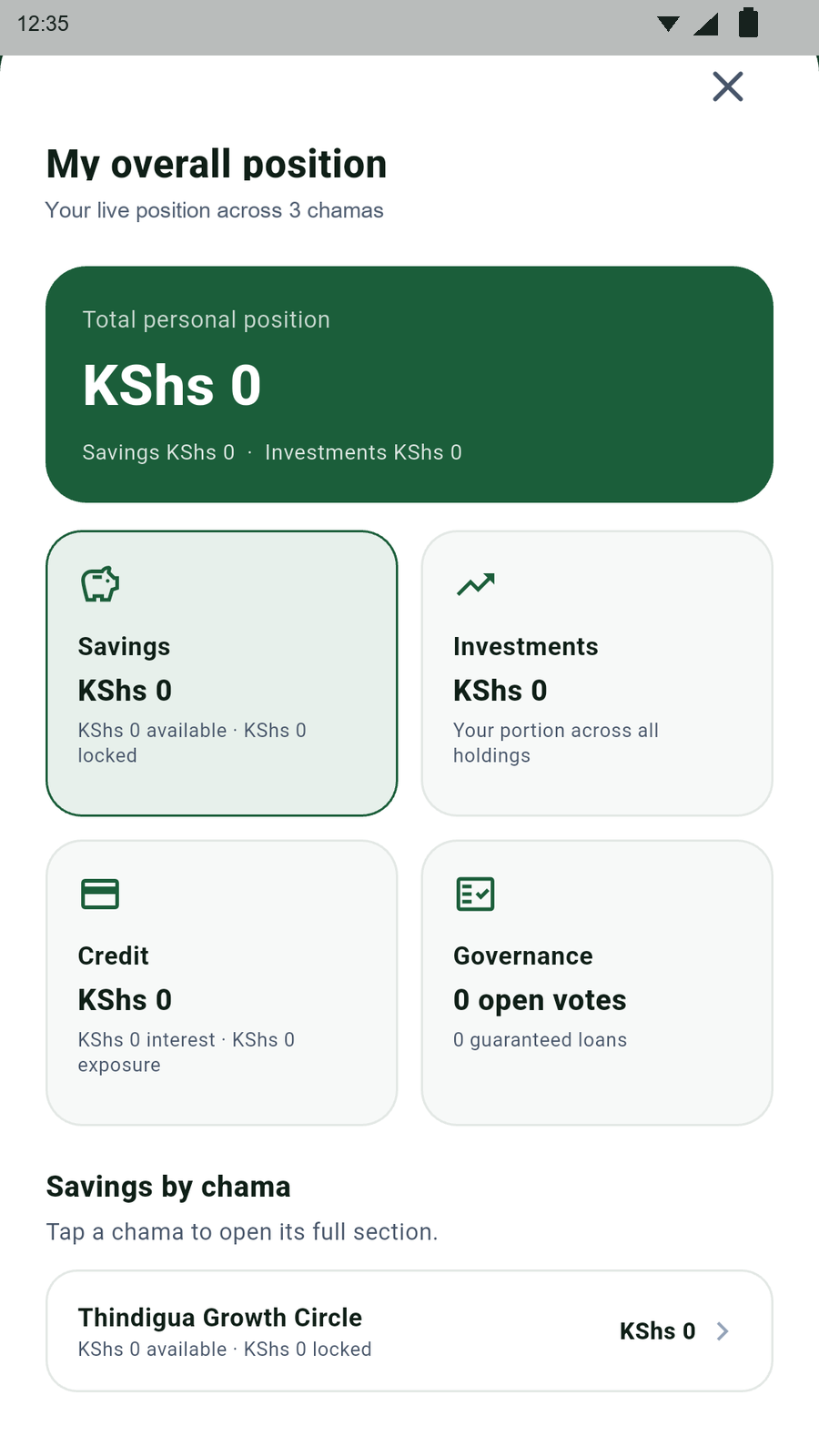
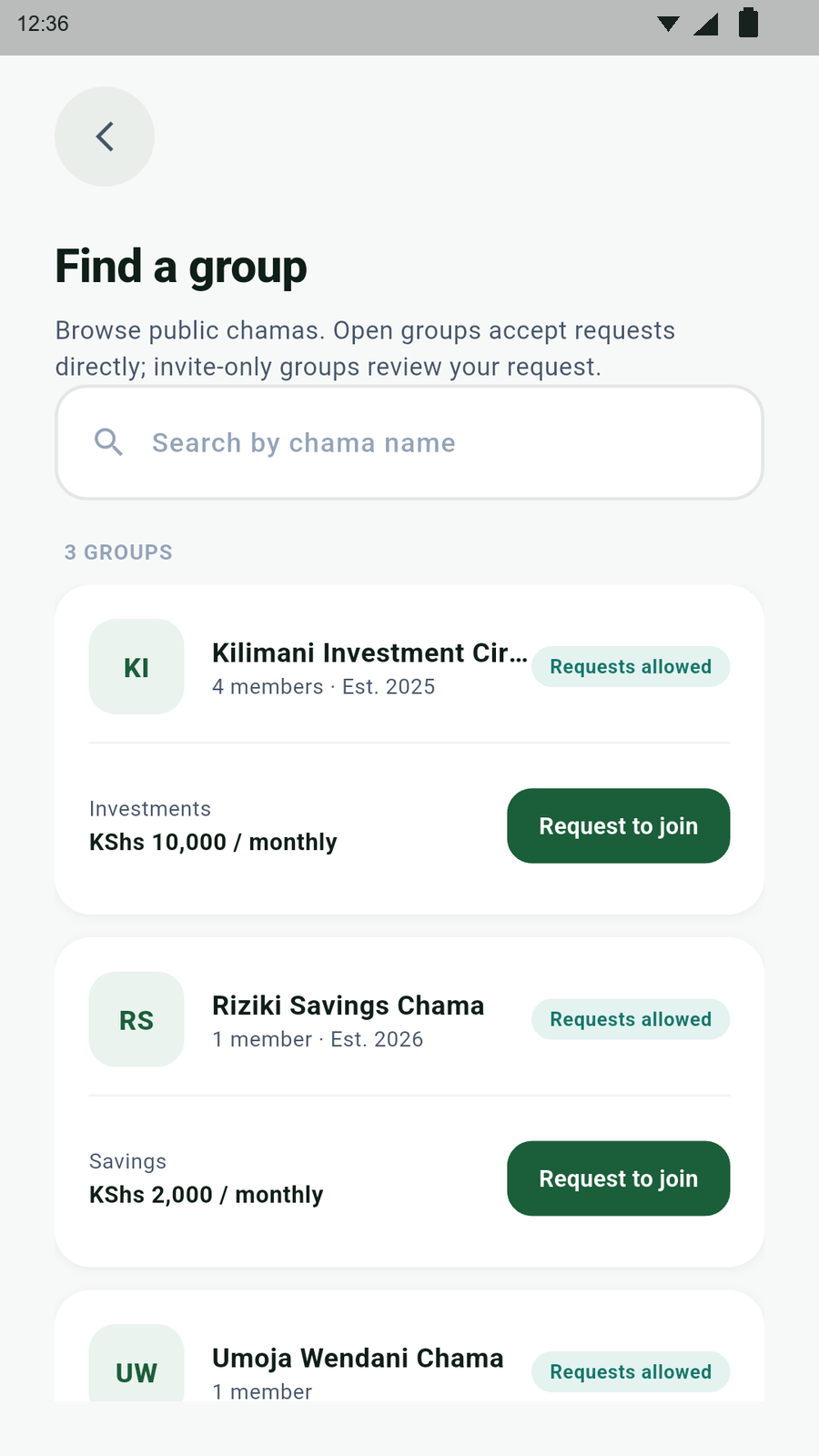
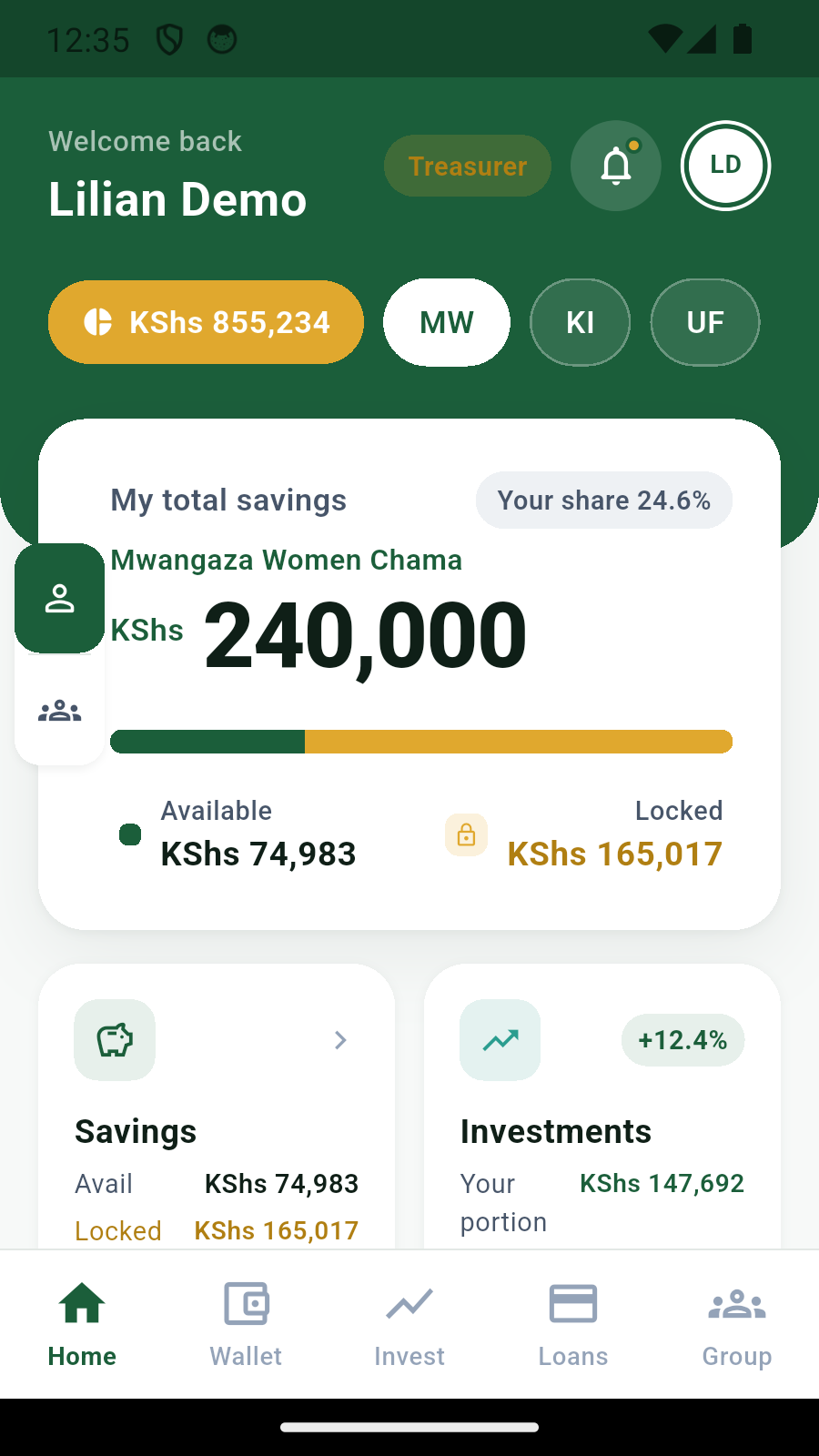
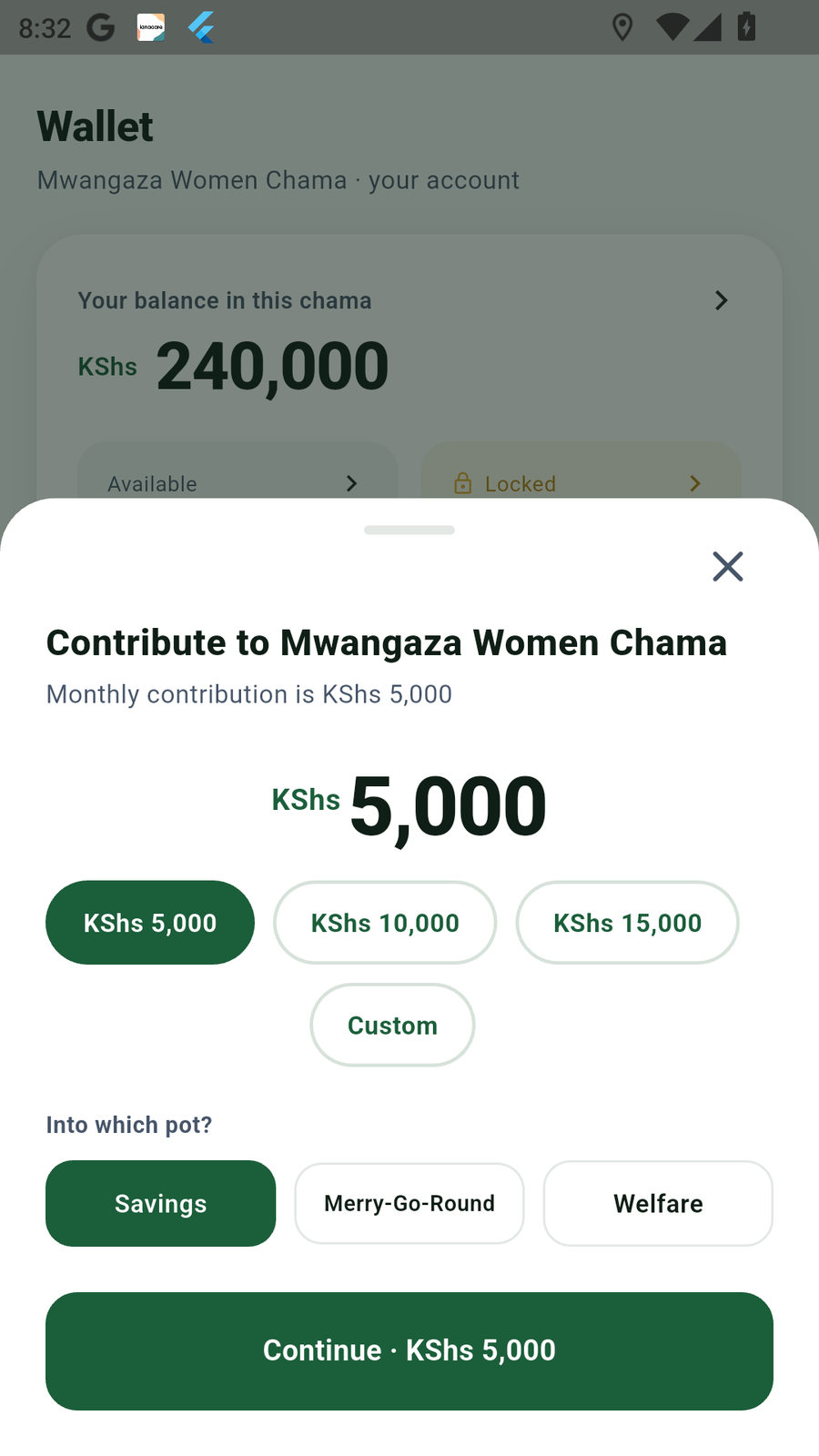
More than one group
01
Manage multiple chamasSwitch between groups and see one combined position.
02
Find chamas to joinBrowse groups and send a join request from the app.
Track the welfare pot, membership management and group decisions.
Move proposals through a vote and track approved holdings.
Record the pot, recipient and position in the rotation.
Your chama’s money and decisions.
ChamaClub connects each financial record to the people, rules and approvals around it.
01
Contributions
Submit evidence, then wait for confirmation.
Choose the pot, pay the chama outside the app, and paste or optionally read your M-Pesa confirmation on Android.
Member claimPending
Balance changes after treasurer confirmation
02
Loans
Request against group rules.
Select a loan product, amount, term and the guarantors required by the chama constitution. The request opens a member vote.
03
Investments
Propose before funds move.
Record a proposed vehicle and amount. Members vote before the group acts outside ChamaClub.
04
Governance
Keep votes tied to action.
Members can vote yes, no or abstain on open decisions. Loan, investment and leadership decisions use the group vote record.
05
Meetings and penalties
See what is next and what is owed.
Officials propose configuration changes and penalties for a group vote. Members can RSVP and view changes after the vote passes.
06
Membership and portfolio
Move between every group you belong to.
Membership management keeps roles and join requests with each chama. Multi-chama views bring your savings, investments, loans and open votes into one position.
Keep the group’s records together.
Manual trailWith ChamaClub
Payment screenshots spread across chats
A pending claim with its M-Pesa reference
Balances updated before evidence is checked
Treasurer confirmation before posting
Loan requests separated from group decisions
Loan terms, guarantors and the vote in one flow
Meeting outcomes remembered informally
Meeting details, RSVP and votes kept with the group
Set up your chama.
The creator starts with a blank record. Money remains in the group's chosen collection account or wallet.
- 01
Create or join
Create an invite-only or open chama with its contribution amount and frequency. Members can use an invite code; open chamas can review join applications.
- 02
Set the collection details and propose the rules
Officials can set the collection number. A configuration change to the contribution cycle, loan products, guarantor count or meeting details is proposed for a group vote. A penalty change is also proposed and applied only after its vote passes.
- 03
Record and confirm activity
Members submit evidence. Authorized officials review deposits, and members use votes for decisions that need group approval.
The app records group money. It does not hold it.
ChamaClub is not a bank, SACCO, lender, payment provider, fund custodian, fiduciary, or adviser. A chama remains responsible for its money, officials and decisions.
Read the privacy policyMember and official actions depend on the person's chama role and the record involved.
Android users can deny SMS permission and paste an M-Pesa confirmation instead.
A fingerprint or device credential can protect app access. ChamaClub does not receive the biometric or credential.
A member claim stays pending until an authorized treasurer confirms it.
A join application ID photo is stored in protected Firebase Storage and is available only to the applicant and members authorized to review that application.
Members can see the shared balances, contributions, meetings and decisions available to their chama role.
Each member can cast one yes, no or abstain ballot on an open vote. Required proposals take effect only after the group vote passes.
M-Pesa references, pending and confirmed states, approvals and vote-linked changes remain available in the group record for review.
Common questions.
ChamaClub keeps records and approvals. Your chama still controls its money and acts on its decisions.
Read all FAQsDoes ChamaClub collect money?
No. Members pay the collection details set by their chama outside the app.
Does a pasted M-Pesa message update the balance?
No. It creates a pending claim. An authorized treasurer must confirm it before the record is posted.
Can I use contributions without SMS permission?
Yes. SMS access is optional on Android. Paste the full M-Pesa confirmation instead.
Can ChamaClub approve an investment?
No. The app opens and records a member vote. The chama makes and carries out the decision.
Get started with ChamaClub.
Email support to ask about early access for your group.